
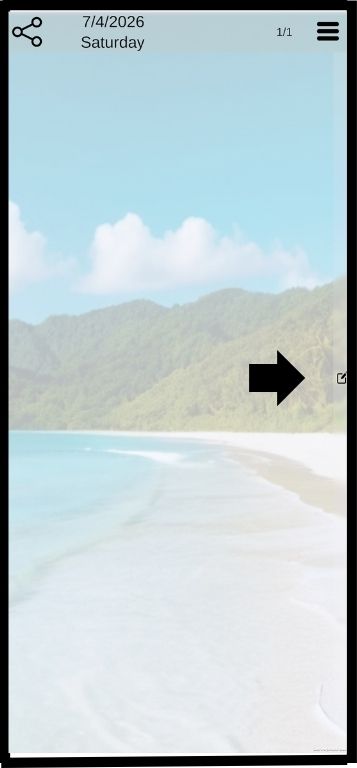
Click on the drawer button to open the drawer
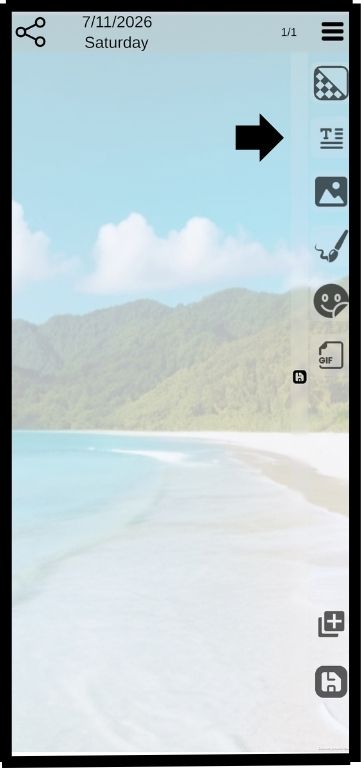
Press and hold the text button and slide it to the left
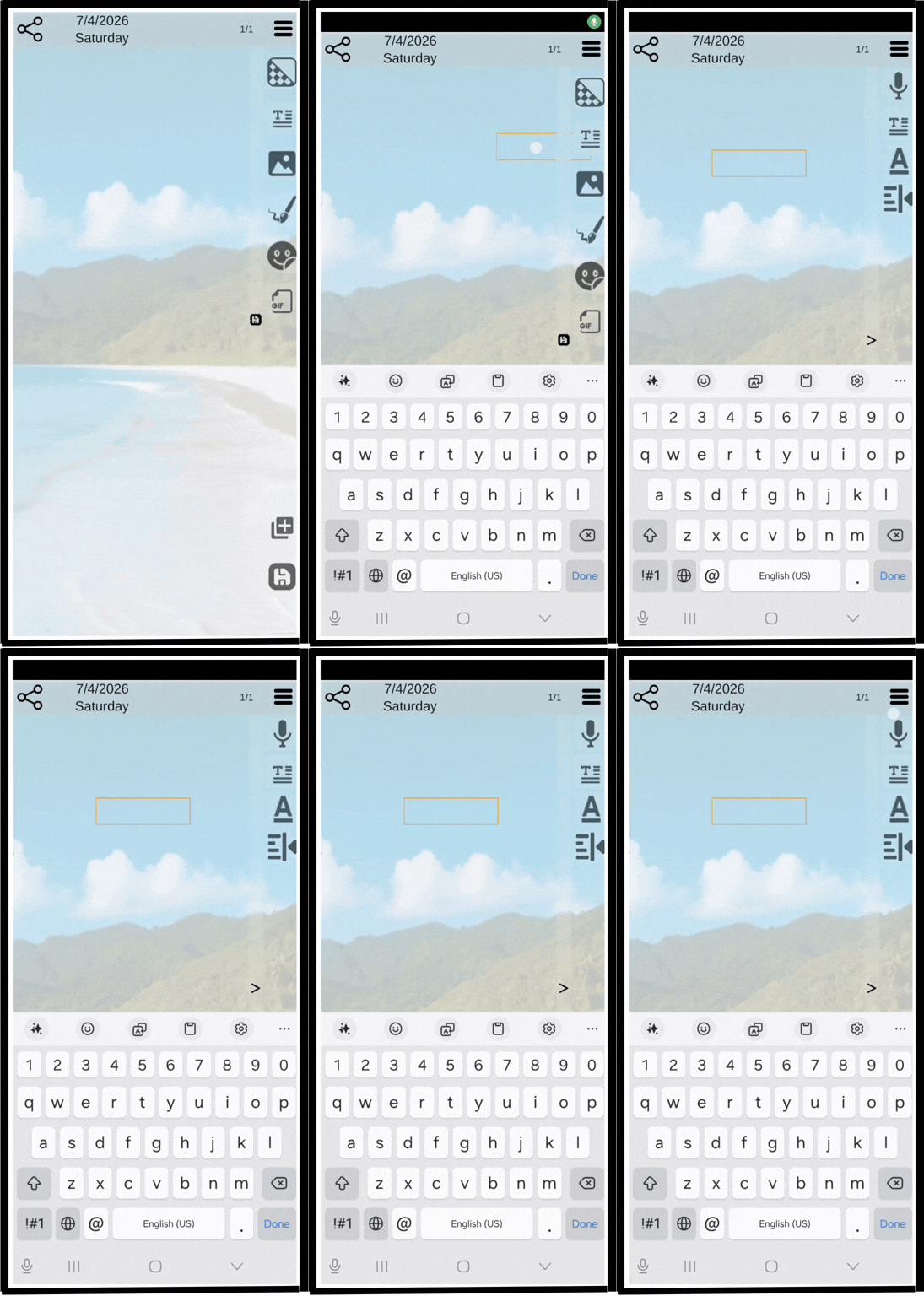
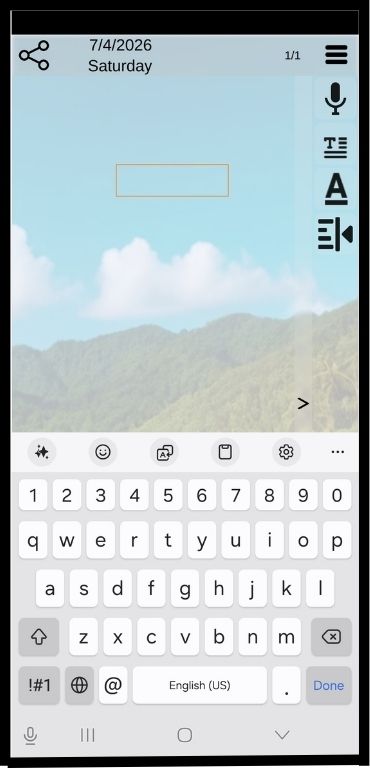
Click the text button
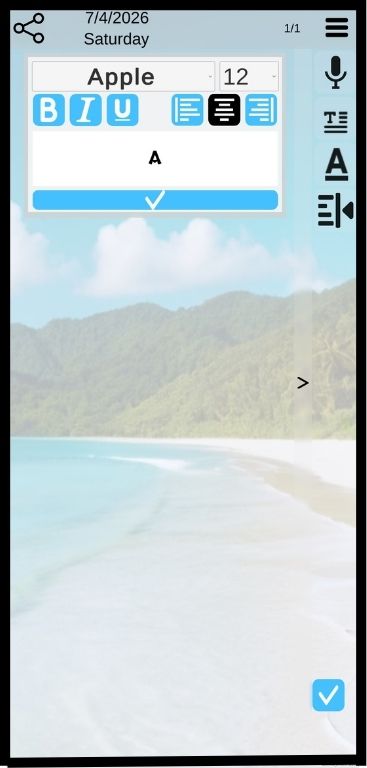
Click on the font title to open the font menu
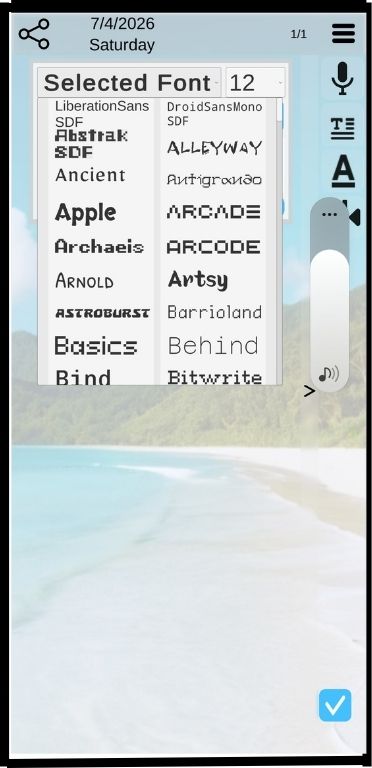
Scroll the font menu and click the font you like
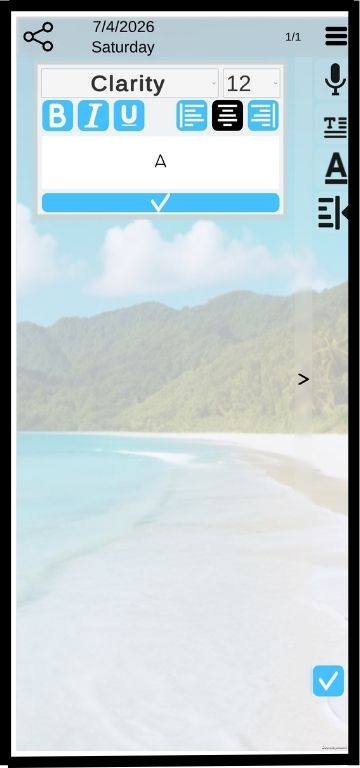
The name of the font you chose now appears at the top of the menu. You can now further select: “font size”, “Bold”, “Italics”, “Underscore” and Left, right or center alignment
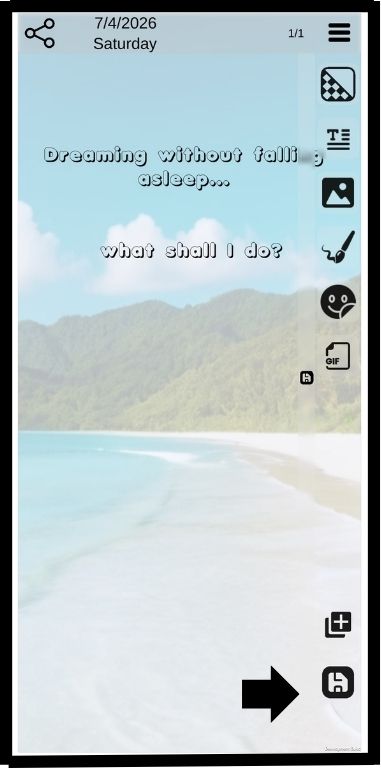
Click the “save” button to close the drawer