
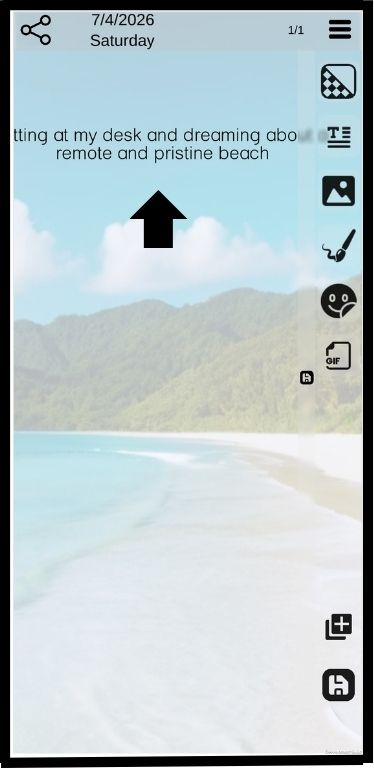
Resize text box

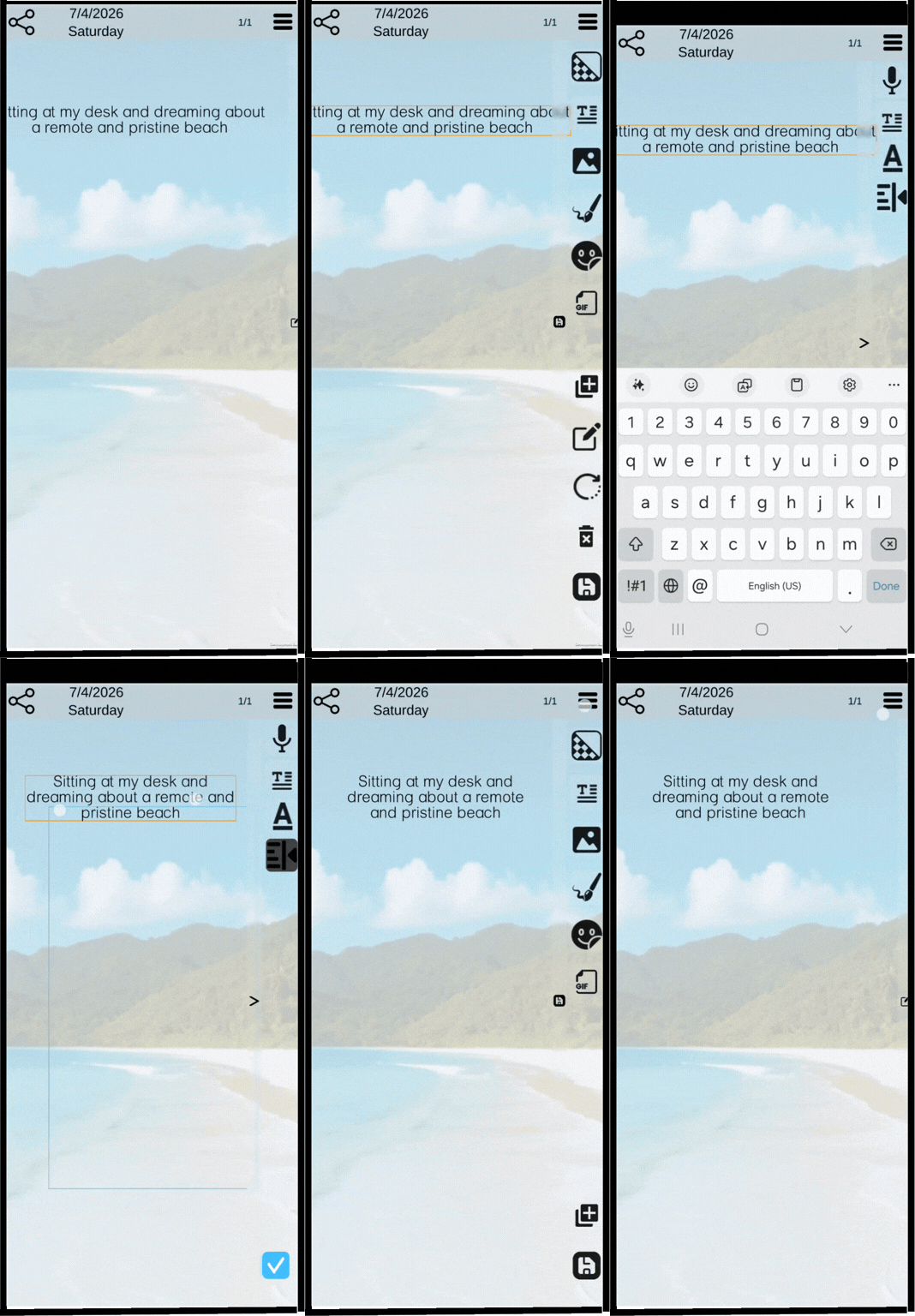
Click on the text you wish to Resize
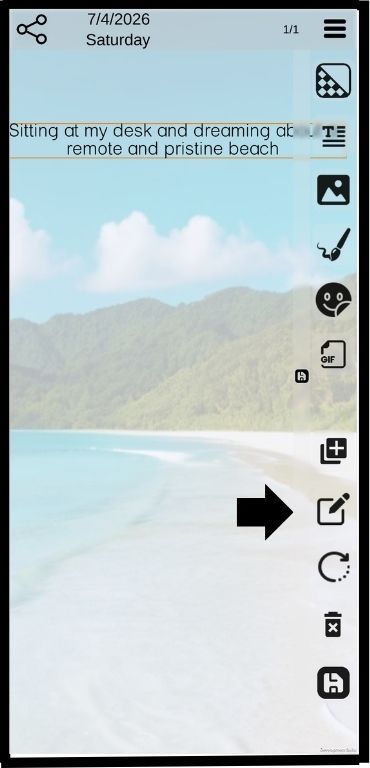
Click on the text you wish to Resize

Once the red box will appear around it click on the “Text Edit” button
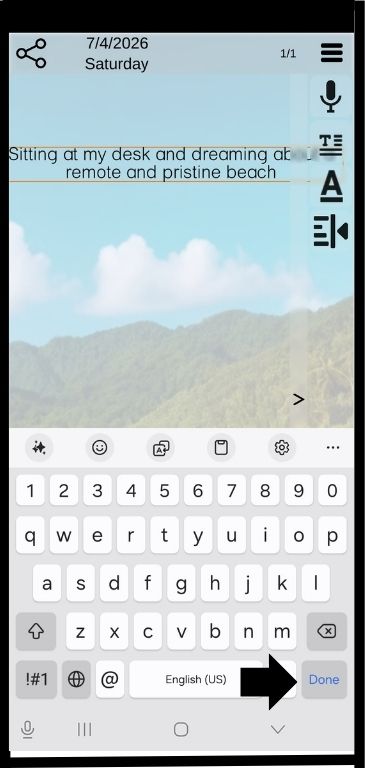
Once the red box will appear around it click on the “Text Edit” button

If the keyboard pops up click “done” to make it go away
If the keyboard pops up click “done” to make it go away

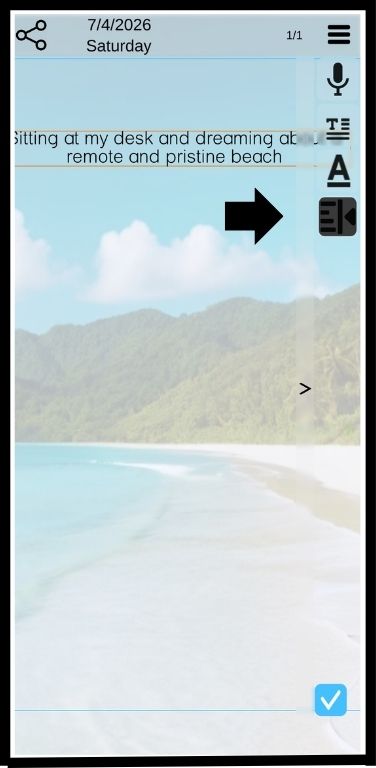
Click the “Text box resizing” button
Click the “Text box resizing” button

Use two fingers to Resize the text box the way you want it, as in the video
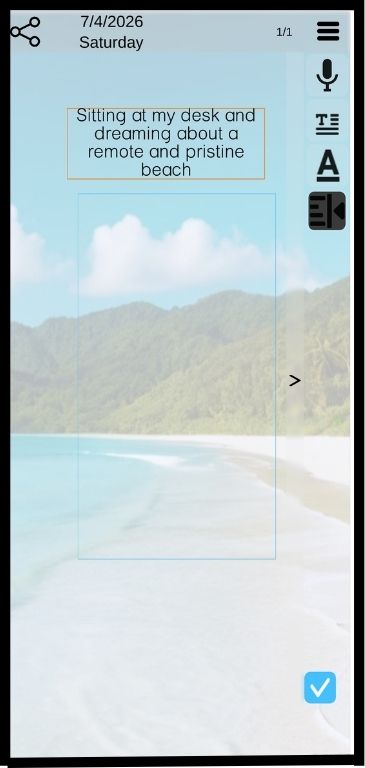
Use two fingers to Resize the text box the way you want it, as in the video

Click the “Check” button
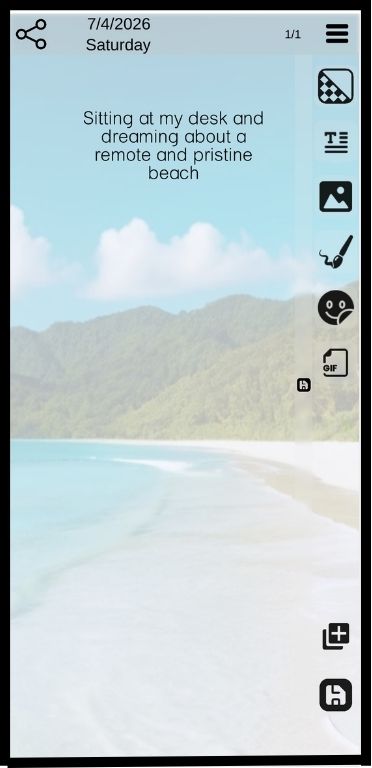
Click the “Check” button

Click save

Click save