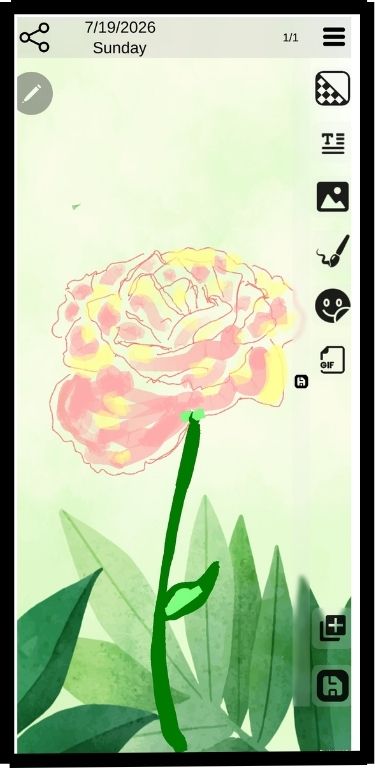
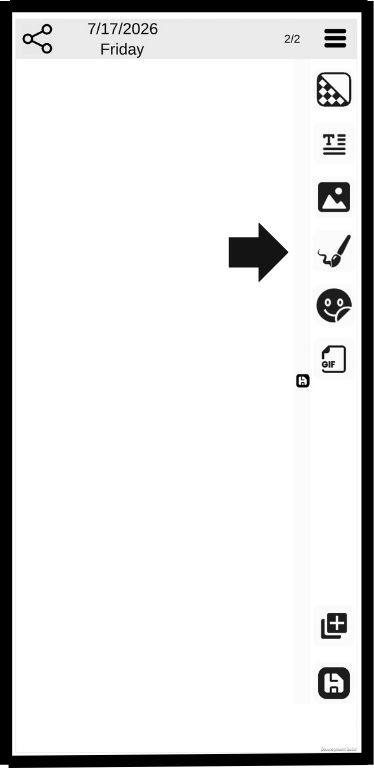
Click the drawing button
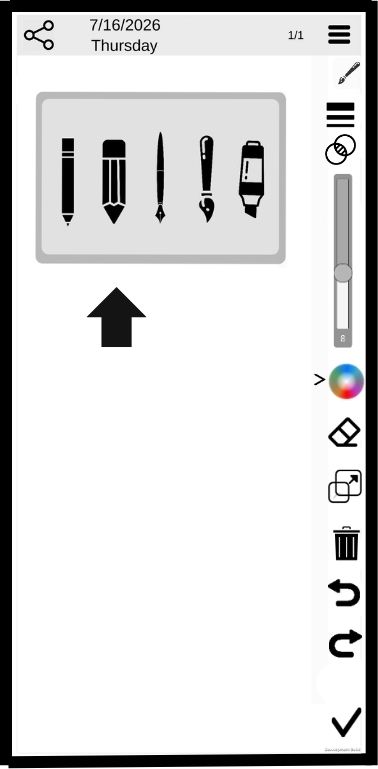
Select a drawing tool
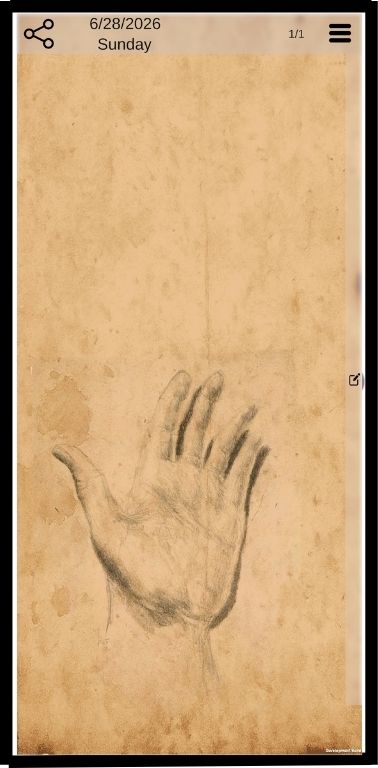
Draw and close tray
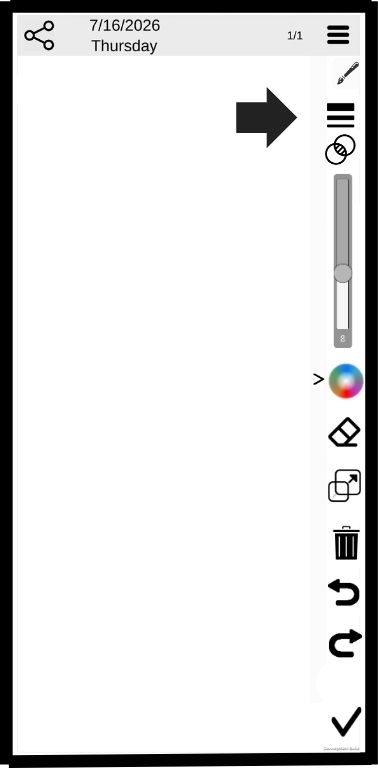
Line thickness is on by default.
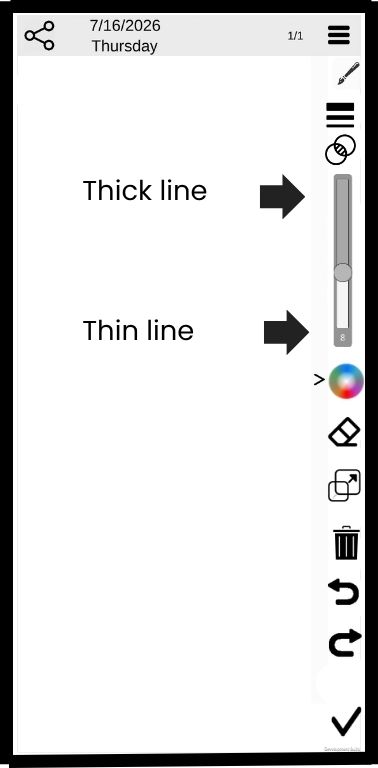
Use the slider to change line thickness
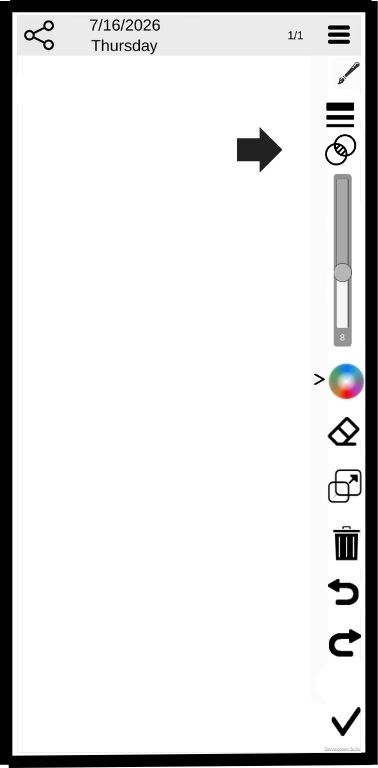
Click the Transparency button
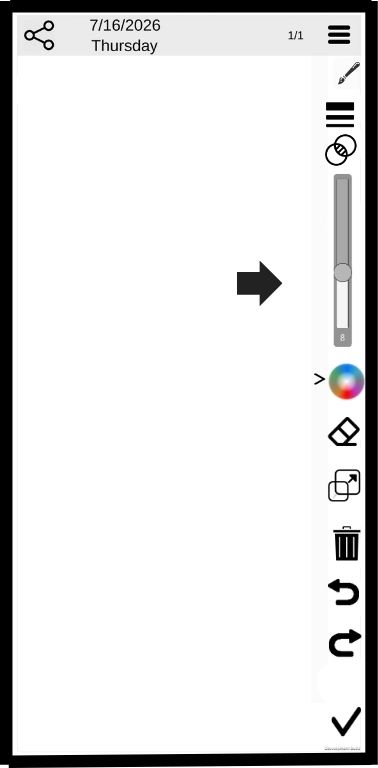
Use the slider to select the level of trabsparency
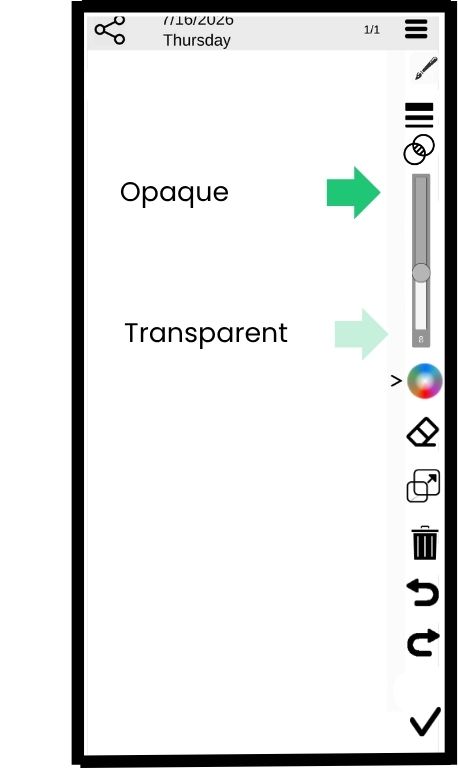
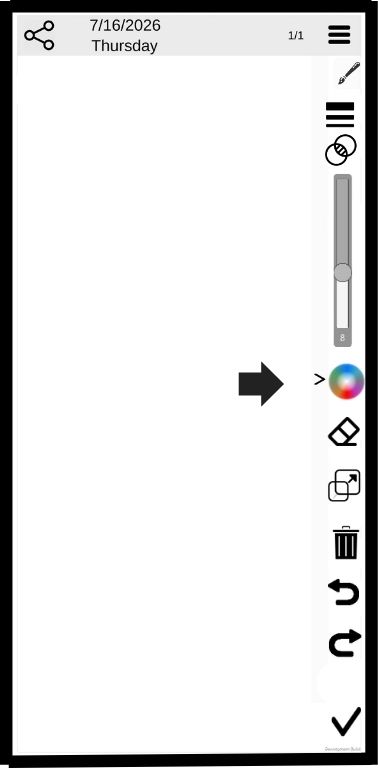
Click the color wheel button
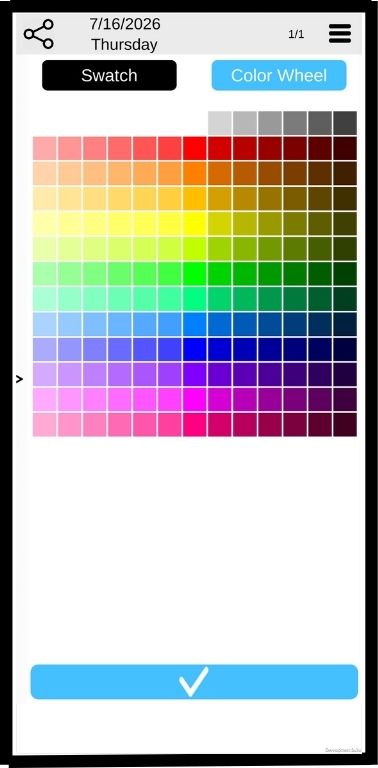
Select the Swatch array for quick color choice
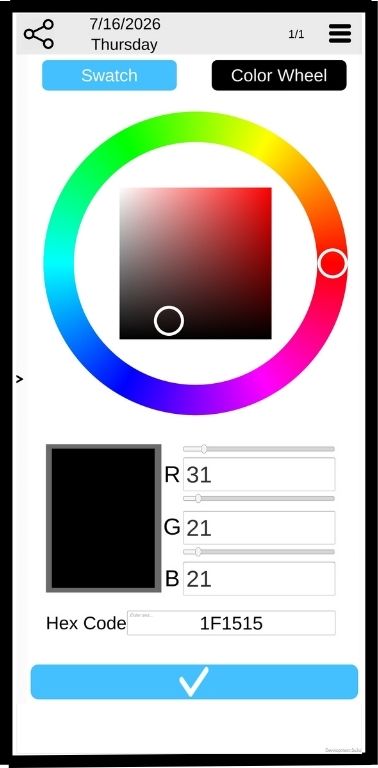
Select the color wheel for precise color tone
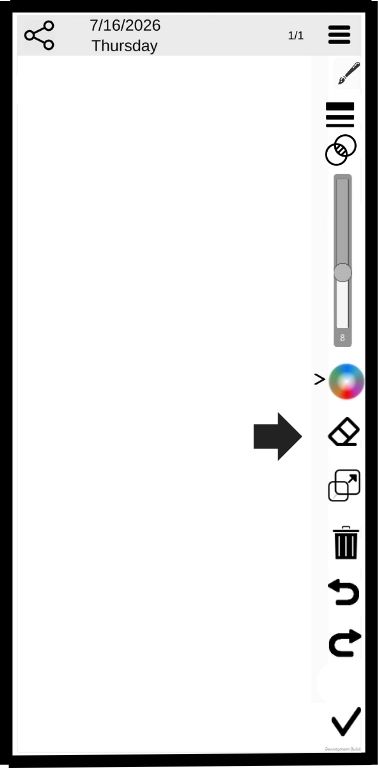
Click the erasure to erase sections of a drawing
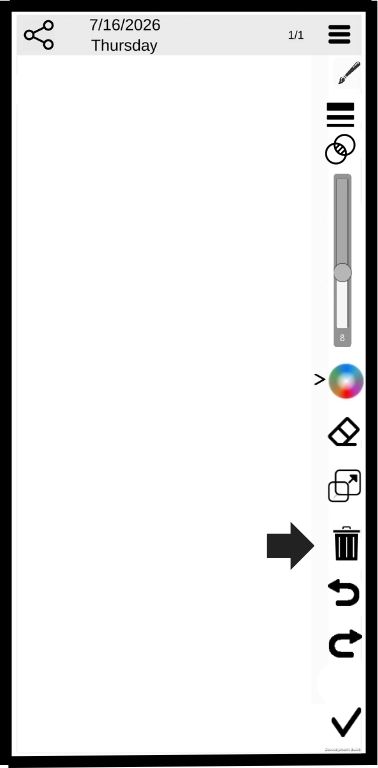
Click the trash bin to delete all the drawings on te page
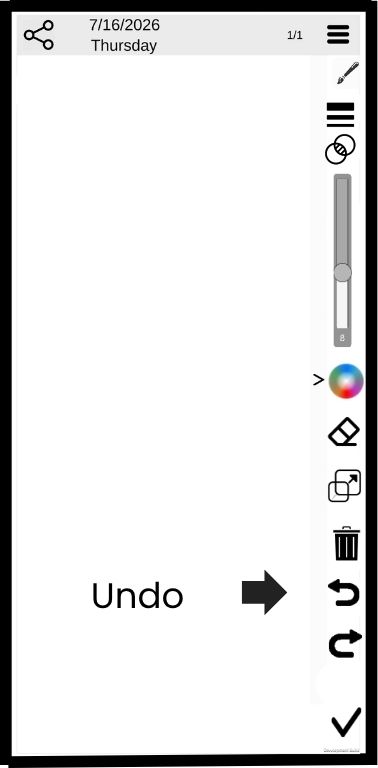
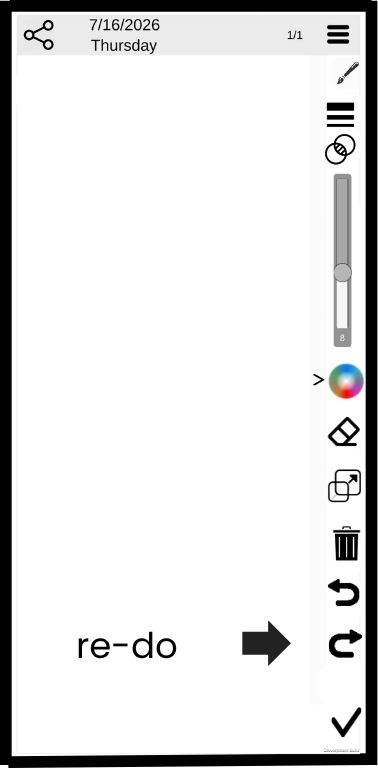
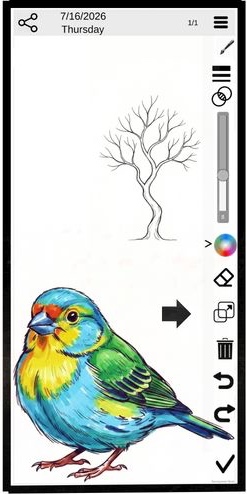
Click the re-size button
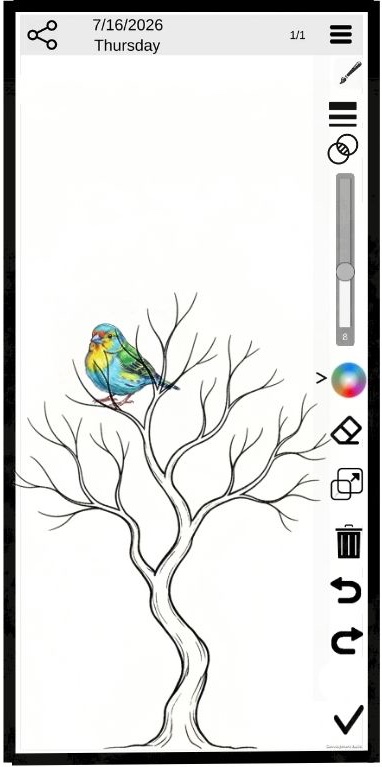
Use two fingers to change the size and location of the drawing
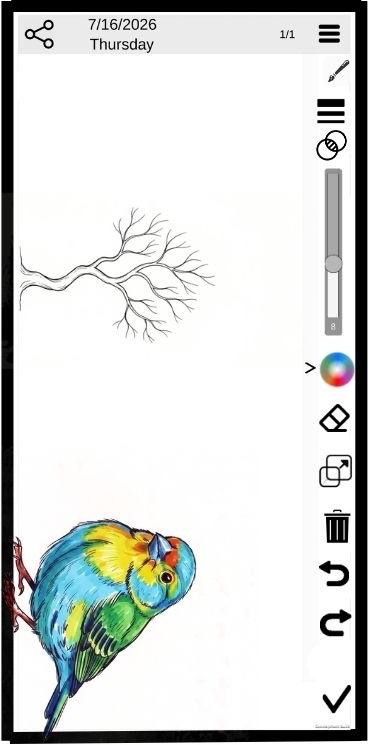
or rotate the drawing.
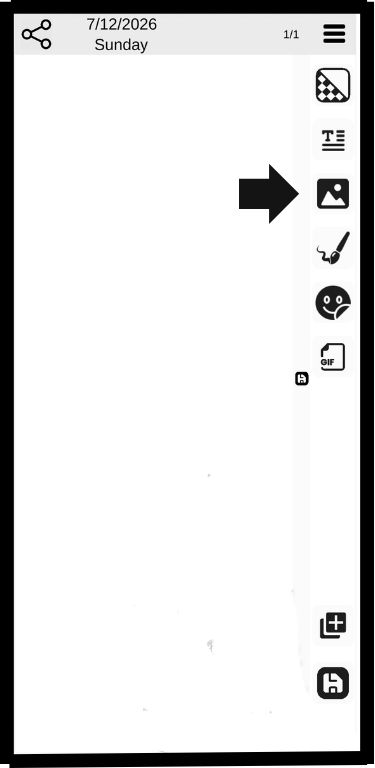
Upload a picture
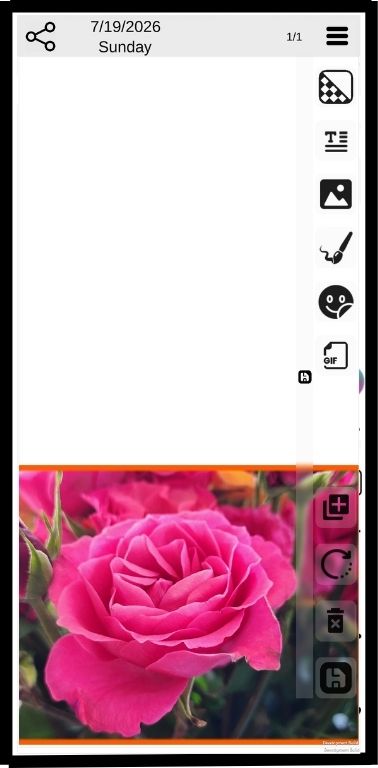
trace with a drawing tools
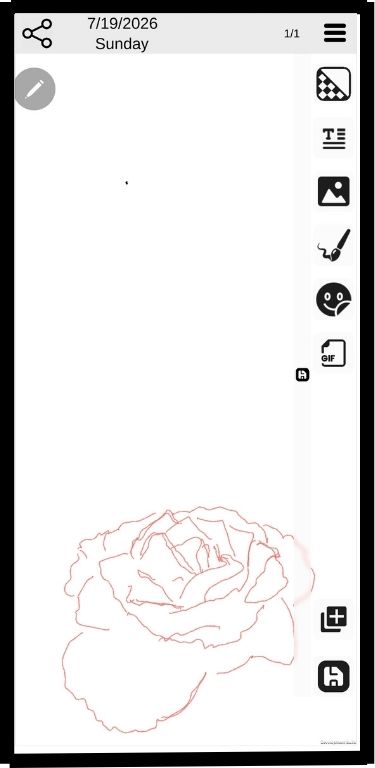
Delete the picture
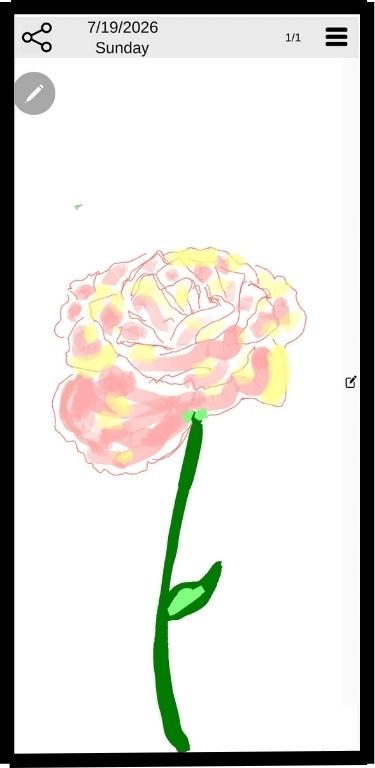
Go creative