
Add text

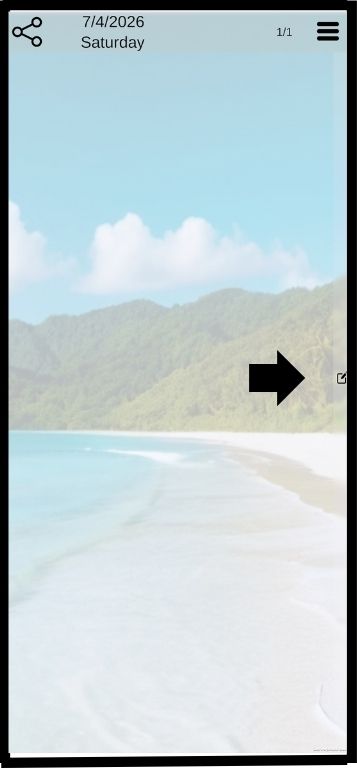
Click on the drawer button to open the drawer
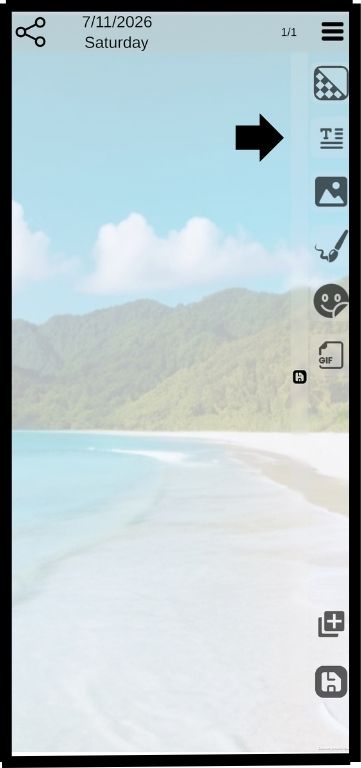
Click on the drawer button to open the drawer

Press and hold the text button and slide it to the left
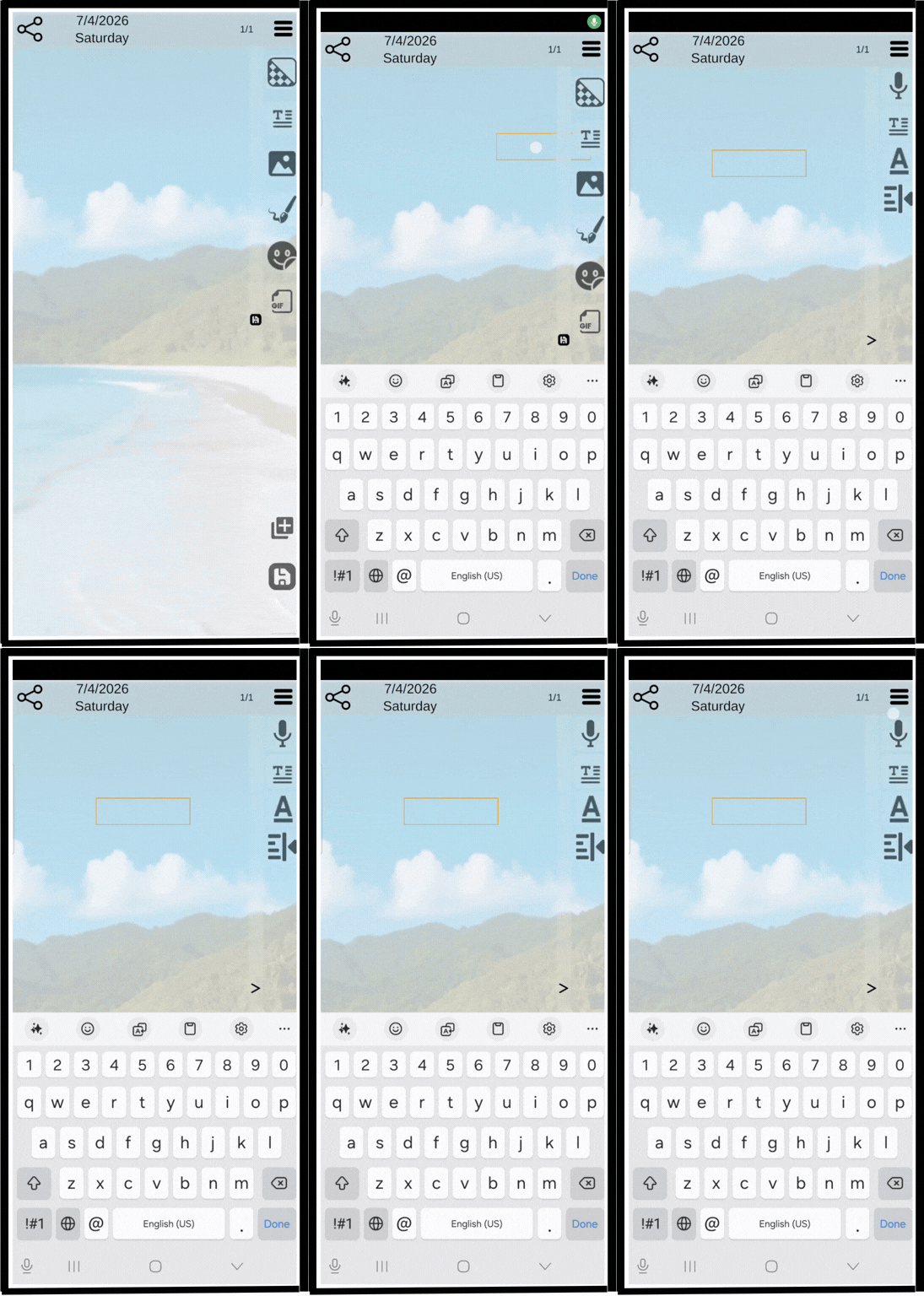
Press and hold the text button and slide it to the left

Slide the text box anywhere on the screen
Slide the text box anywhere on the screen

Click the “Done” button to close the keyboard
Click the “Done” button to close the keyboard

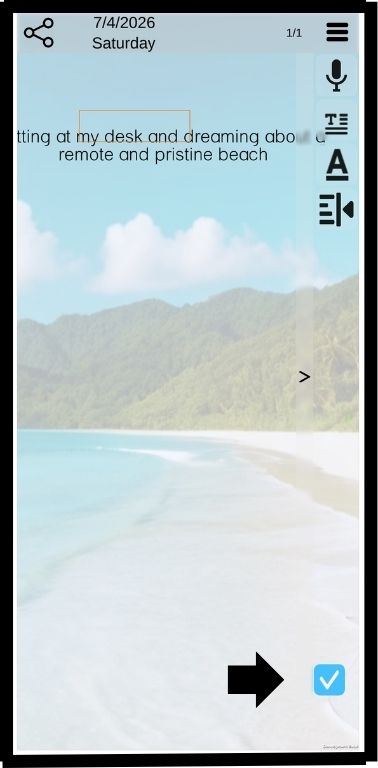
Click the Check button to save the text
Click the Check button to save the text

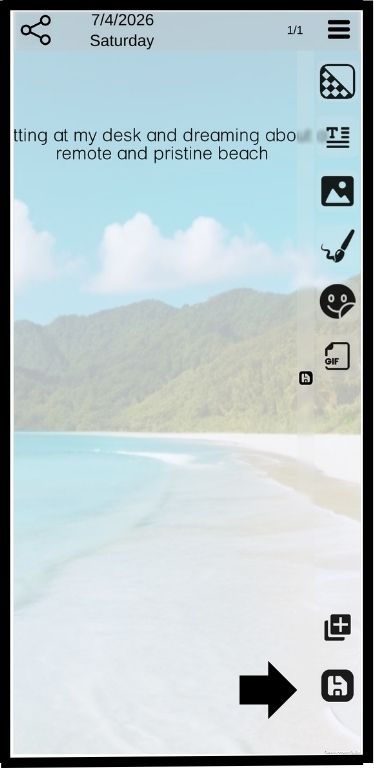
Click the “save” button to close the drawer
Click the “save” button to close the drawer

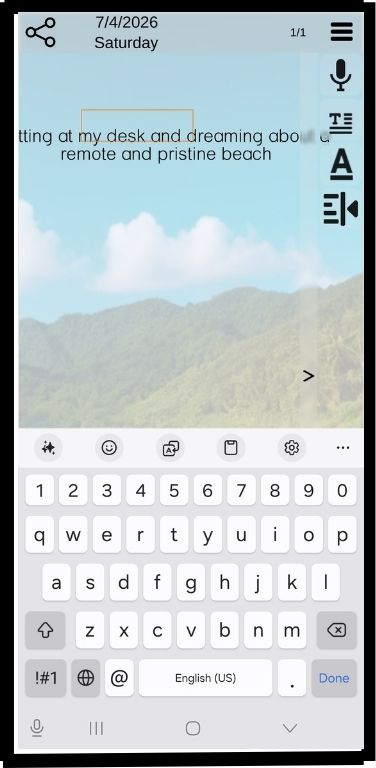
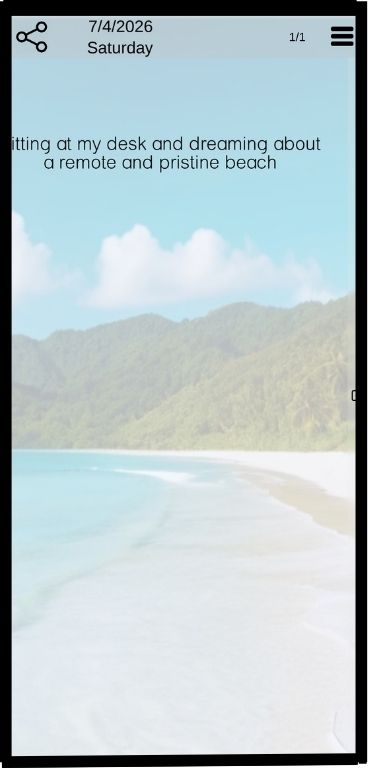
Result