

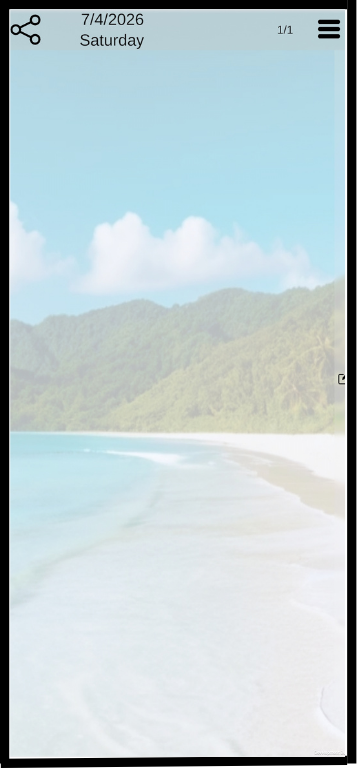
Add page background

Click on the drawer icon to open the drawer
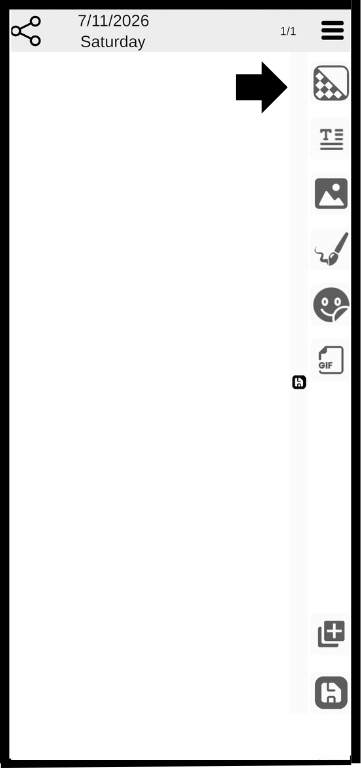
Click on the drawer icon to open the drawer

Click on the page Background icon
Click on the page Background icon

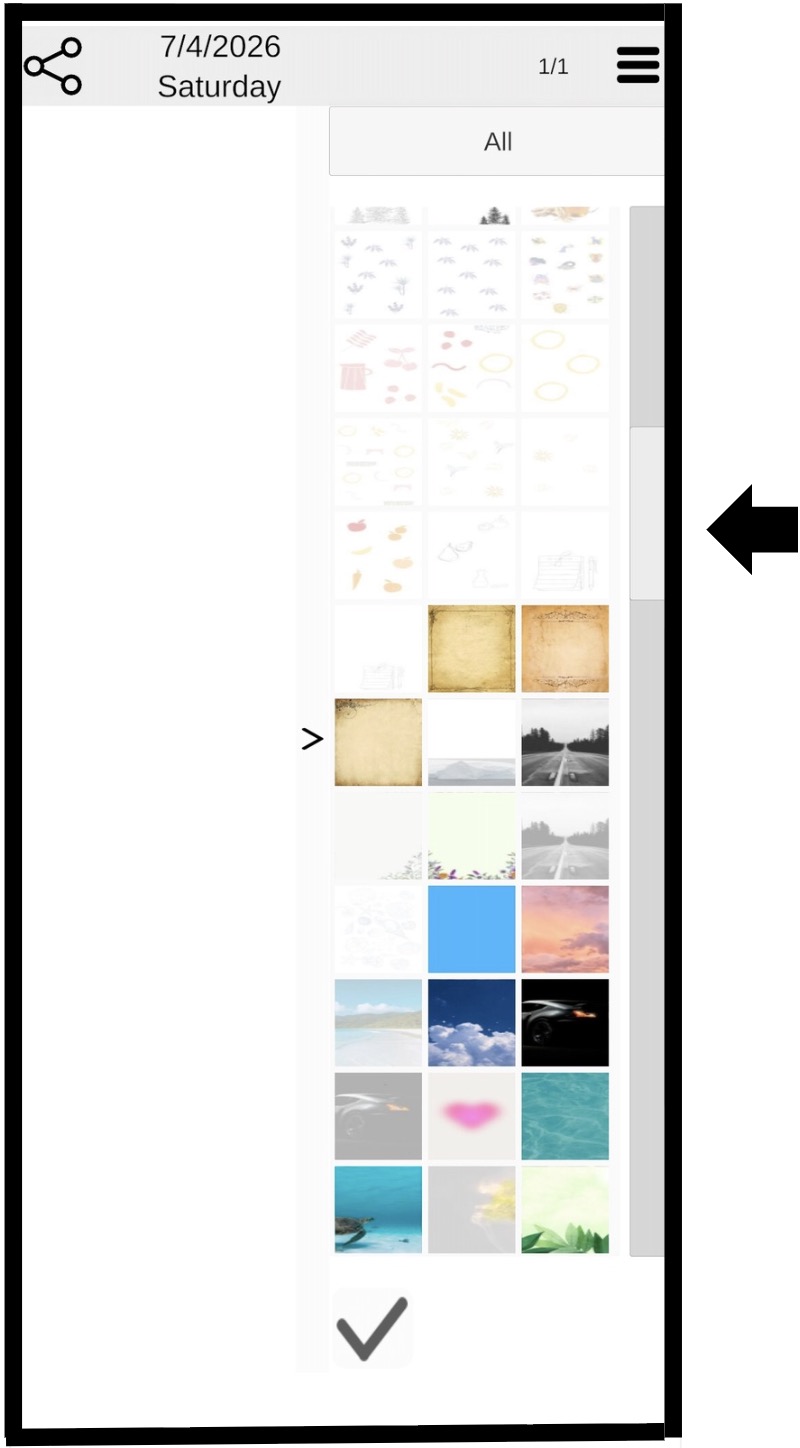
The page background gallery is now open — you can use the slider handle to move it down and up to find the background you like
The page background gallery is now open — you can use the slider handle to move it down and up to find the background you like

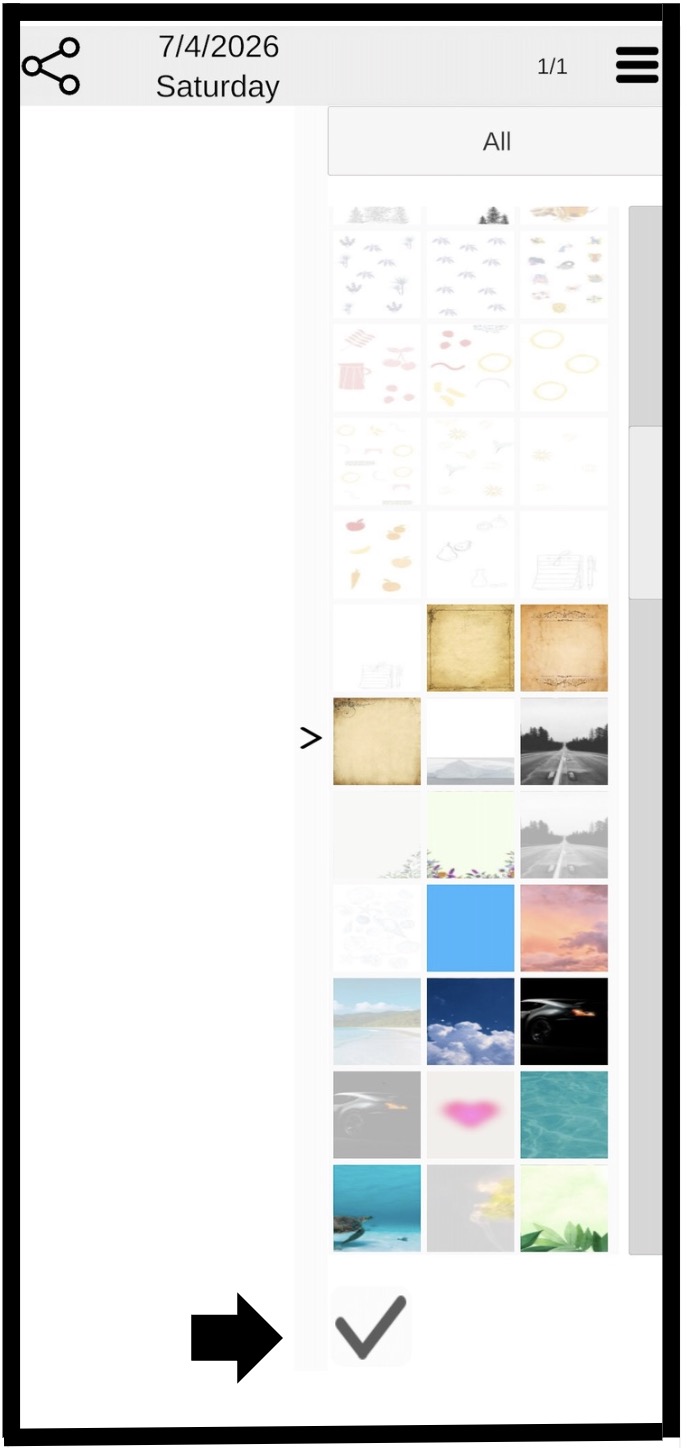
Click on the image you choose and then click the Check icon
Click on the image you choose and then click the Check icon

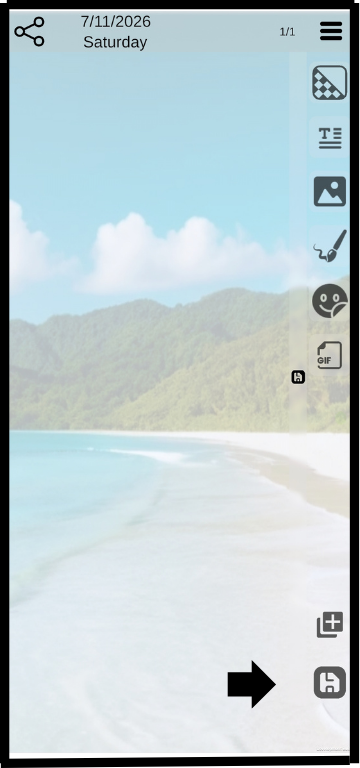
Click the save button
Click the save button

Result