
Add a picture

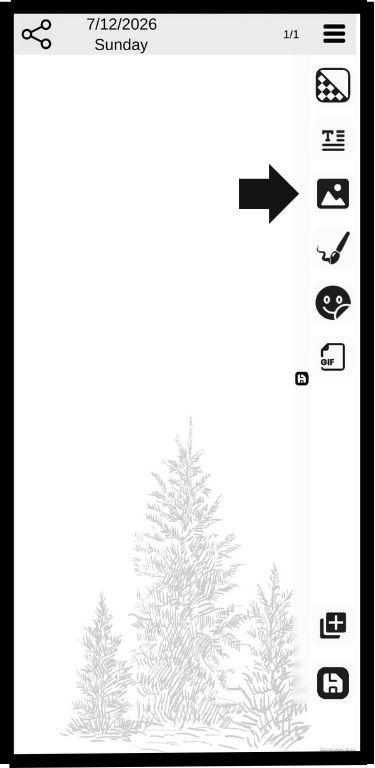
Click the picture button
Click the picture button

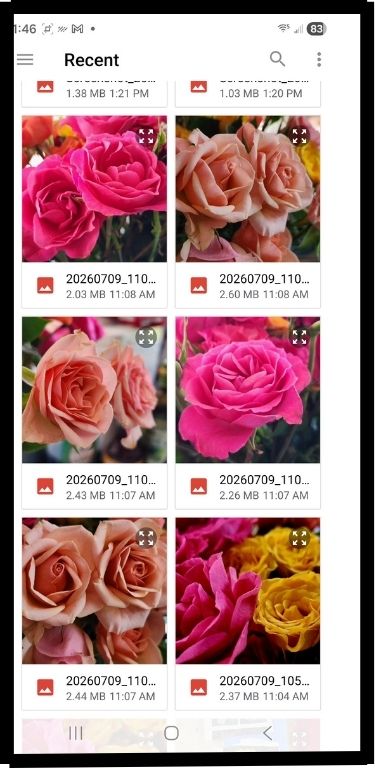
Select a picture from your gallery
Select a picture from your gallery

Result
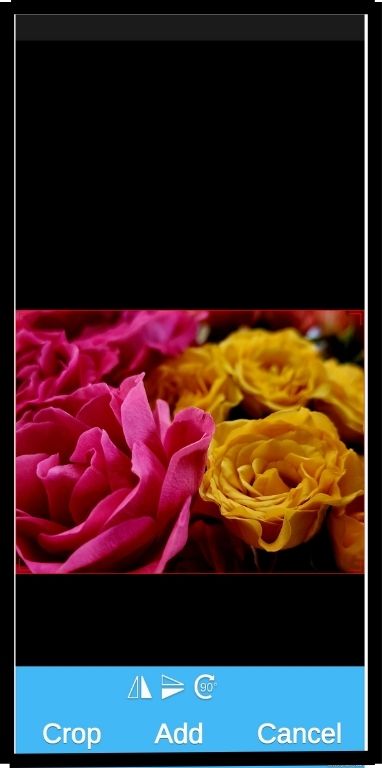
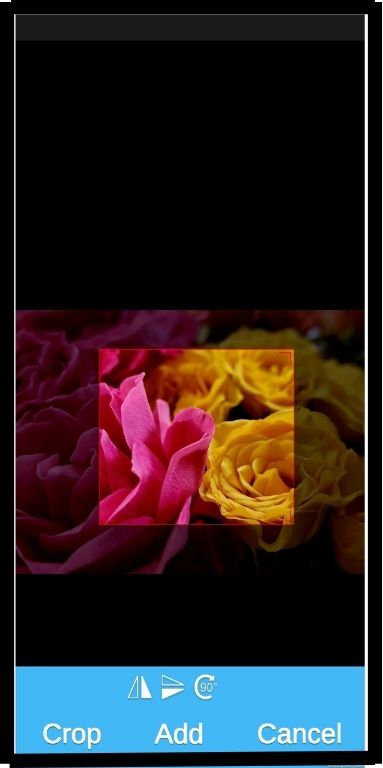
If you wish to crop the picture use two fingers and click crop
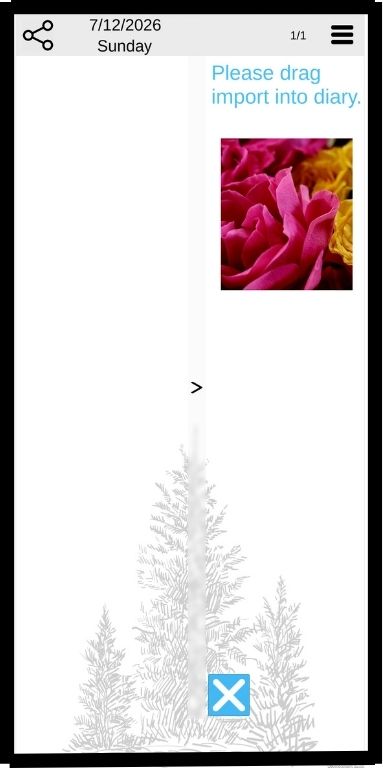
If you wish to crop the picture use two fingers and click crop

Drag the picture from the tray to the page
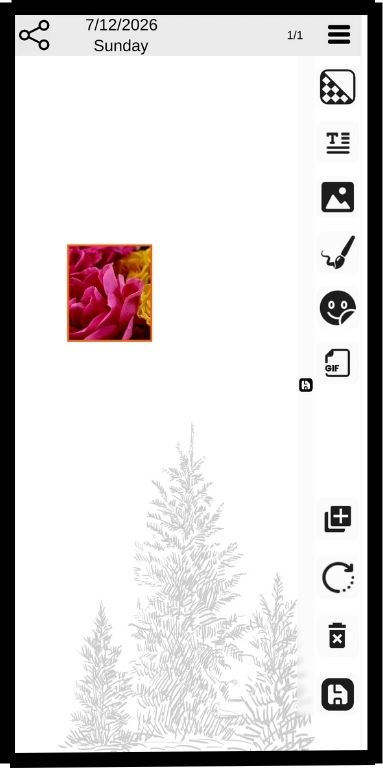
Drag the picture from the tray to the page

Result

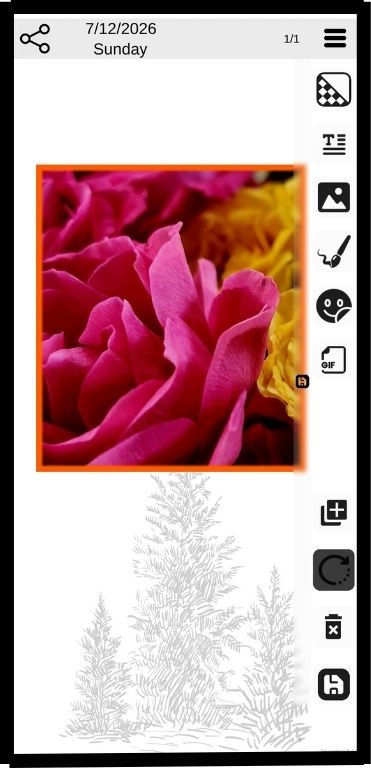
While the picture is highlighted you can move it, change its size and rotate it using the rotation button
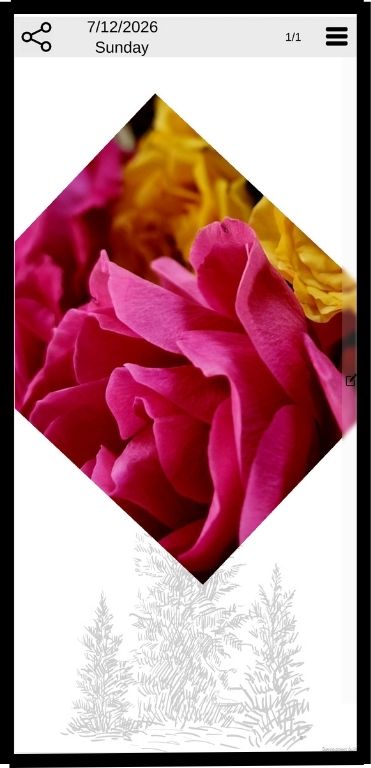
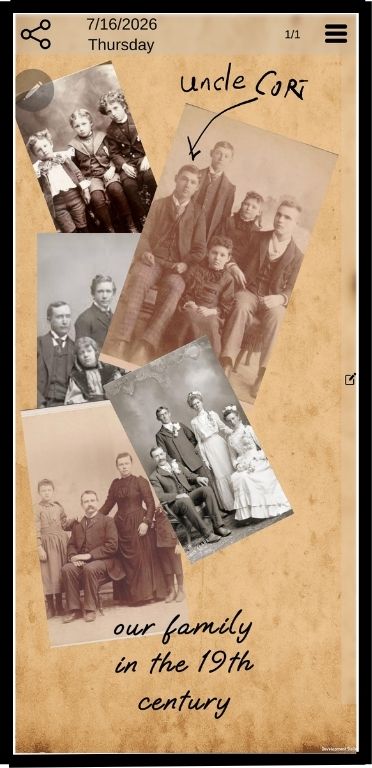
While the picture is highlighted you can move it, change its size and rotate it using the rotation button

Result
You can stack multiple pictures

You can stack multiple pictures